Narrators and style
Choosing a narrator
Section titled “Choosing a narrator”Narrator, in Settings, Writing, chooses who writes your journal. The murloc scribe is the default; the grumpy dwarf, the pompous noble and the smug academic are other styles you can choose. The murloc writing entirely in its own language is only used if you pick it. On any day or week you can also pick a narrator for that entry alone.
Murloc margin notes sets how often the murloc adds a note in the margin, from never to about one day in three.
Language of the journal writes entries in English or French, independently of the app’s own language.
Writing preferences
Section titled “Writing preferences”Writing preferences, in Settings, Writing, is a note to every narrator about how you like the prose: “no em dashes”, “British spelling”, “short sentences”. It is sent with every entry and chapter, and shapes wording only: anything it names is never taken as something that happened.
Your own narrators
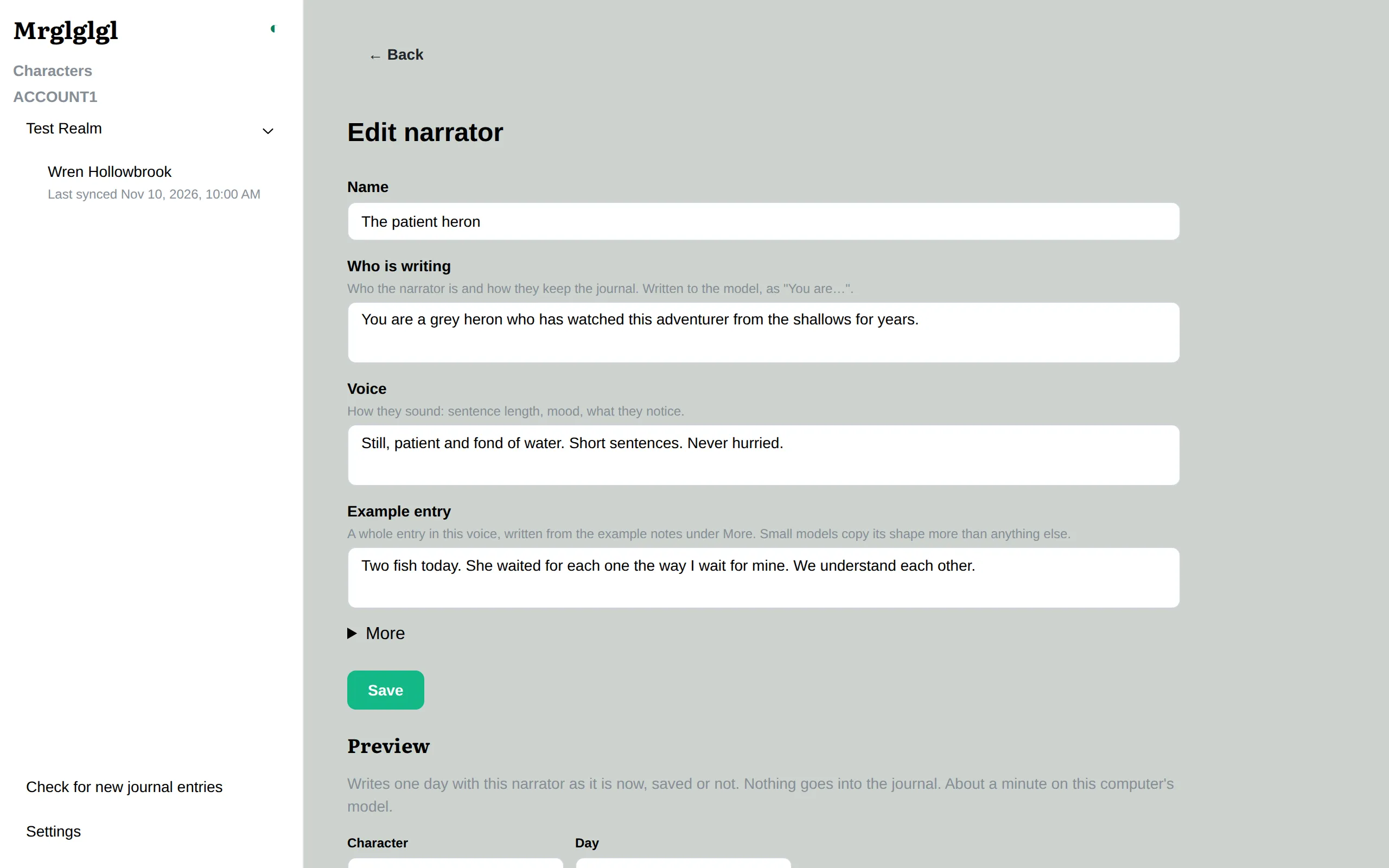
Section titled “Your own narrators”Settings, Narrators lists them all.
- Edit a copy starts your own narrator from one of the built-in ones.
- New narrator starts from scratch, with only the made-up example day and the murloc’s part filled in for you.
- Your narrators can be edited, exported to a file to share, imported, and deleted.
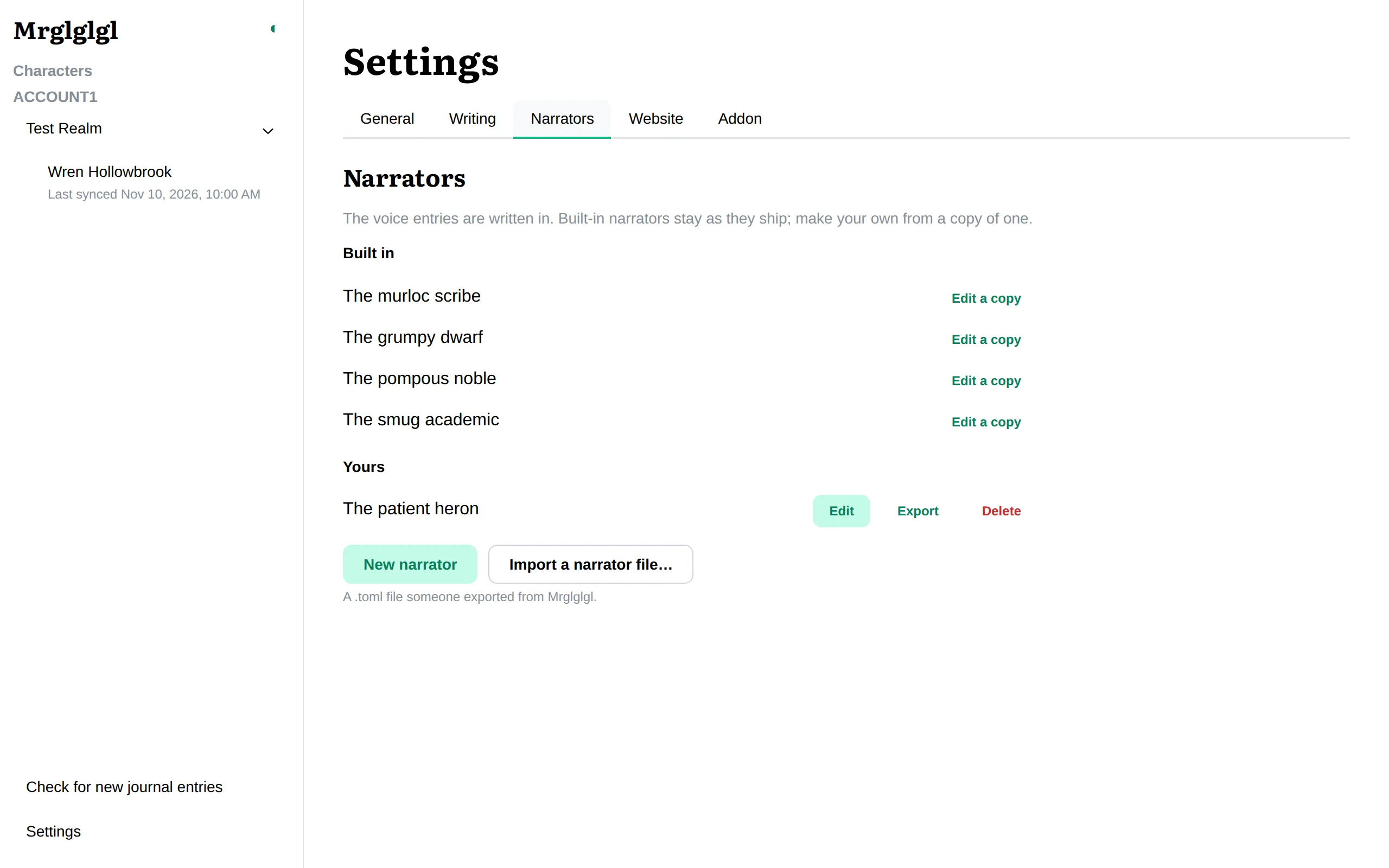
The editor has a field for each part of a narrator: who they are, how they sound, how the murloc shows, the worked example, and hints for particular kinds of day. Preview writes a sample day with the narrator before you save it. See Narrator files for what each field does and what makes a narrator write well.